



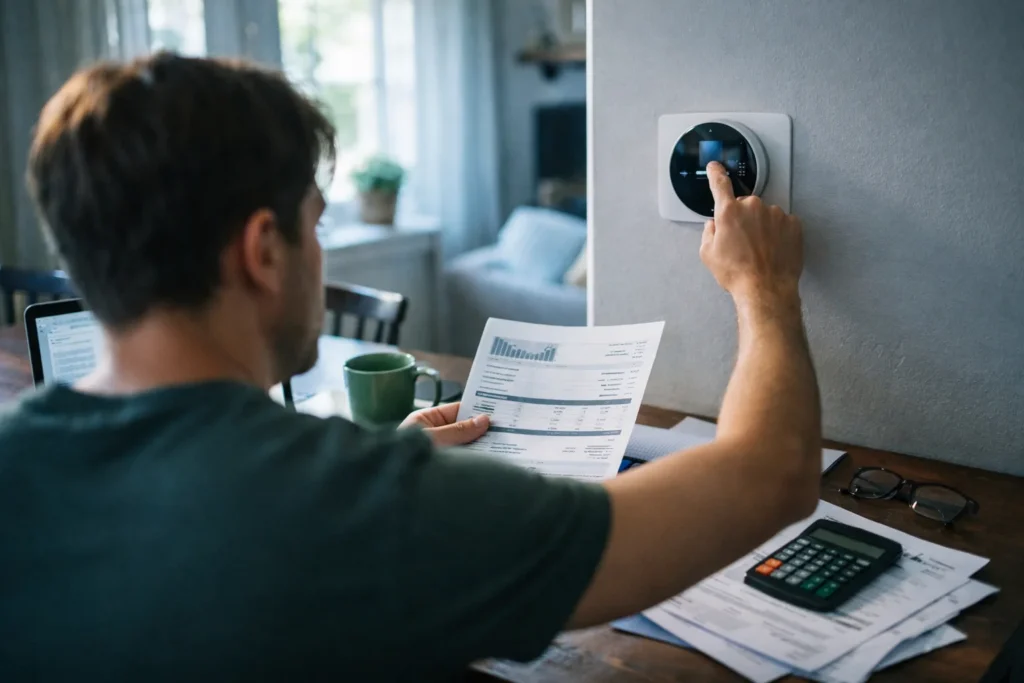
In much of Texas, summer means the air conditioner runs for months. That makes the thermostat the most powerful control you have over the electric bill from June through September. Here is what Energy Star recommends, how to program a thermostat sensibly, and which habits make a difference when the temperature outside is well above 95°F (35°C).
What Energy Star suggests
The Energy Star program, run by the U.S. Environmental Protection Agency and the Department of Energy, suggests setting a thermostat to about 78°F (26°C) when you are home and awake in summer, and allowing it to rise several degrees when you are away or asleep. You can read its guidance for homeowners at energystar.gov. Treat these numbers as a starting point. If 78°F is uncomfortable, try 79°F or 80°F with a fan and see whether you adjust.
Programming that matches your life
Most programmable and smart thermostats let you set different temperatures by time of day. A simple schedule for a household that is out during the workday could look like this:
- Wake and morning: 78°F while people are up.
- Away on weekdays: raise to 85°F (29°C) or higher if no one, including pets, needs a cooler house.
- Evening: back to 78°F about 30 minutes before you arrive.
- Sleeping: 78°F to 80°F, with a ceiling fan if you have one.
Avoid dramatic swings. Setting the thermostat to 65°F does not cool the house faster; it makes the system run longer. In extreme heat, a unit that is very old or too small may struggle to keep up, and a large setback can leave it running for hours to recover.
What changes the bill and what does not
The U.S. Energy Information Administration reports at eia.gov that air conditioning accounts for a large share of household electricity use in hot regions. Within that, the biggest levers are the setpoint, the hours the system runs, and how much heat enters the house. Ranked roughly from most to least useful:
- The setpoint while you are home. Each degree higher generally reduces cooling energy.
- The setback while you are away. Savings depend on how long you are out and how hot the day is.
- Blocking the sun. Closing blinds and curtains on sunny windows reduces heat gain, especially on west-facing walls.
- Air filter and vent maintenance. A dirty filter reduces airflow; check it monthly in summer.
- Sealing leaks and insulation. Gaps around doors, windows, and the attic add heat load.
Some popular tricks matter less than they sound. Closing vents in unused rooms can upset the balance of the system. Leaving the fan setting on “on” runs the blower constantly and may add to the bill.
Texas details to keep in mind
In Texas many households can choose their electricity provider and plan, and plans vary in price, contract length, and whether they charge different rates at different times of day. If your plan uses time-of-use pricing, ask your provider about peak hours and shift the setback accordingly. Read your bill’s electricity facts label, which lists average prices at set usage levels.
Track the result
Write down your thermostat setpoint changes and compare the kWh on your next two bills with the same months last year, remembering that weather differs from year to year. Compare days with similar temperatures if you can. One month is not proof, but three months starts to show a pattern.
For help with reading the rest of the statement, see the Budgeting basics section, which explains how to track fixed and seasonal bills in a spreadsheet. If the summer bill is a strain, contact your provider early about payment arrangements and local assistance programs, since help is easier to get before an account falls behind.