




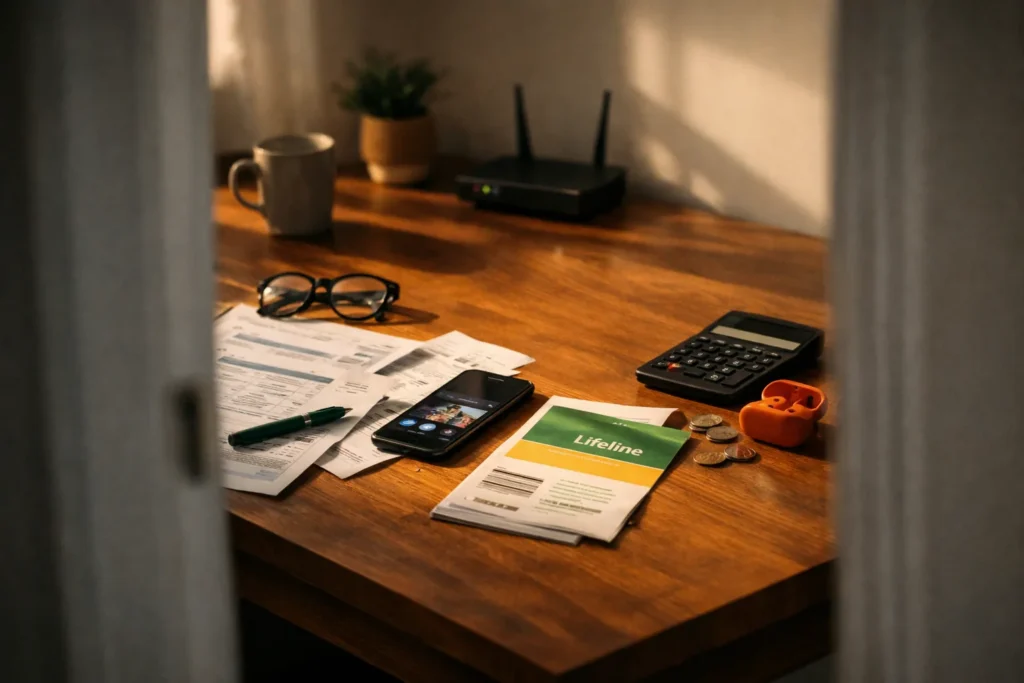
Recurring bills are quiet. They do not demand a decision each month, which is exactly why they pile up. An audit takes about an hour: gather every phone, internet, and streaming charge in one list, find out when you last used each service, and decide whether it still earns its place. This article gives you a method, a sample table, and a look at a federal program that may help some households.
Step 1: Collect every charge
Pull three months of bank and card statements. Highlight anything that repeats: monthly charges, annual charges, and anything that looks like a membership. Include the less obvious ones such as cloud storage, app subscriptions, and extra fees on your phone plan. Do not forget charges that bill to a family member’s card.
Your phone and internet bills deserve their own look. Open the latest statement and read the line items: device installment payments, insurance, taxes and fees, and any add-ons you did not choose.
Step 2: Fill in the table
Create a table with four columns. For each service, write the monthly cost, the last time you used it, and your decision. Here is an example with invented numbers.
| Service | Monthly cost | Last used | Keep or cancel |
|---|---|---|---|
| Cell phone plan (two lines) | $70 | Daily | Keep; compare plans once a year |
| Home internet | $65 | Daily | Keep; call to ask about current promotions |
| Video streaming service A | $15 | Two weeks ago | Keep for now |
| Video streaming service B | $11 | Four months ago | Cancel |
| Music subscription | $11 | Weekly | Keep |
| Cloud storage | $3 | Unknown | Check usage, then decide |
Total the monthly column and multiply by twelve. The annual figure often startles people into making a few cuts.
Step 3: Decide with a rule
A simple rule works well: if you have not used a service in the last 60 days, cancel it, and add a reminder to revisit if you miss it. Many streaming services let you pause or come back later, so canceling is rarely permanent. Rotating services, keeping one or two at a time, is a common approach.
Step 4: Check for better terms on the essentials
For phone and internet, call or log in to ask whether a lower-priced plan fits your usage. Review the data you really use before you shop; if you rarely approach your data limit, a smaller plan may be enough. Ask about fees you can remove. When you get an offer, write down the price, how long it lasts, and what the price becomes afterward.
The Lifeline program
The Federal Communications Commission runs a program called Lifeline that helps eligible low-income households pay for phone or internet service. At the time of writing, the program offers a monthly discount, with a larger amount available on certain Tribal lands. Eligibility is generally based on participation in certain assistance programs or on household income, and only one Lifeline benefit is allowed per household.
The rules, amounts, and participating providers change, and nothing here promises that you qualify. For current details, visit the FCC’s website at fcc.gov, and apply only through the official channels it describes. Be cautious of anyone who charges a fee to enroll you or contacts you uninvited; the Federal Trade Commission shares scam-avoidance tips at consumer.ftc.gov.
Step 5: Make it a yearly habit
Put a reminder on your calendar for the same month each year. Pull the latest statements, repeat the table, and note what changed. Free trials that you forget are among the most common reasons for unwanted charges, so when you sign up for one, set a reminder two days before it ends.
For more on recurring costs inside your fixed budget, the Budgeting basics section explains how to track them month by month.